uiFlow v1.7.3 Core2 UI simulator font bug
-
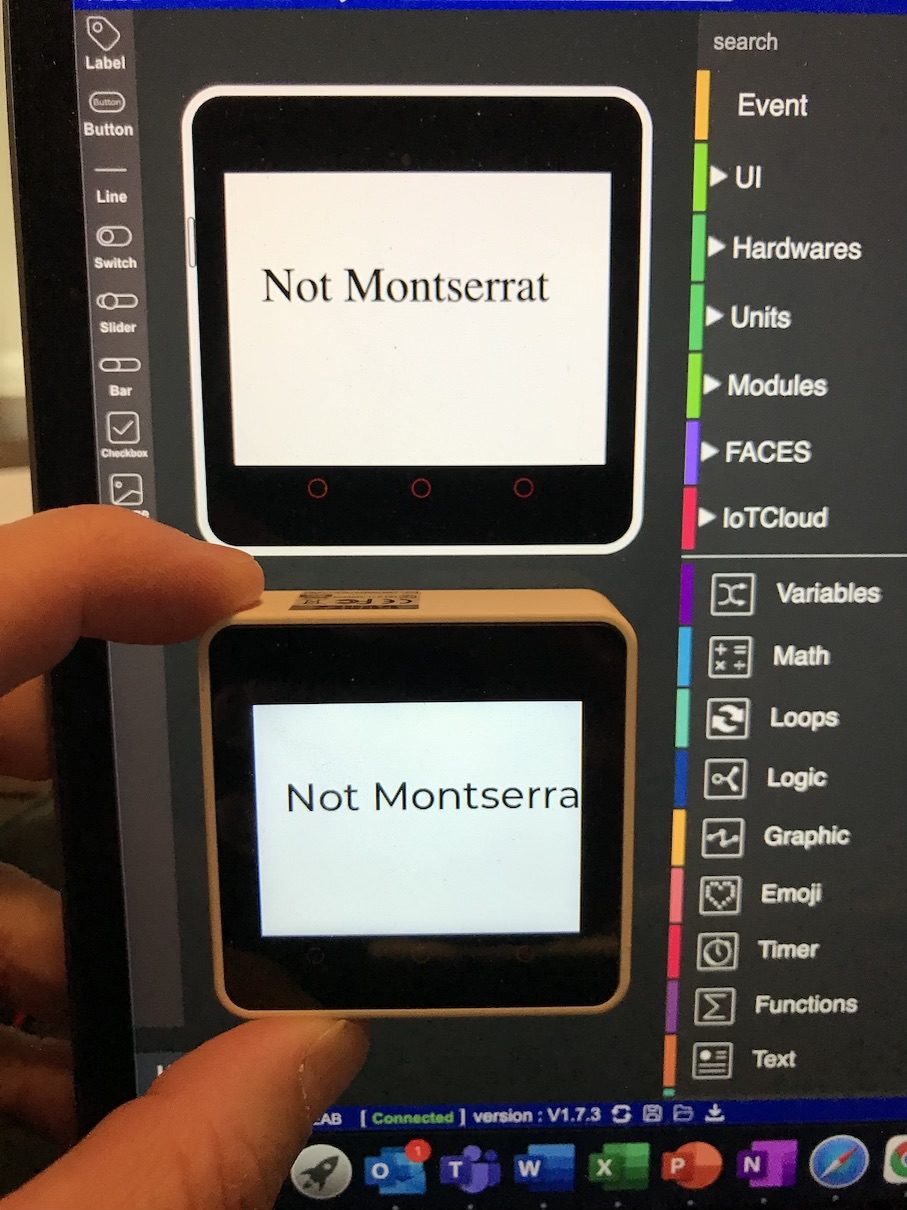
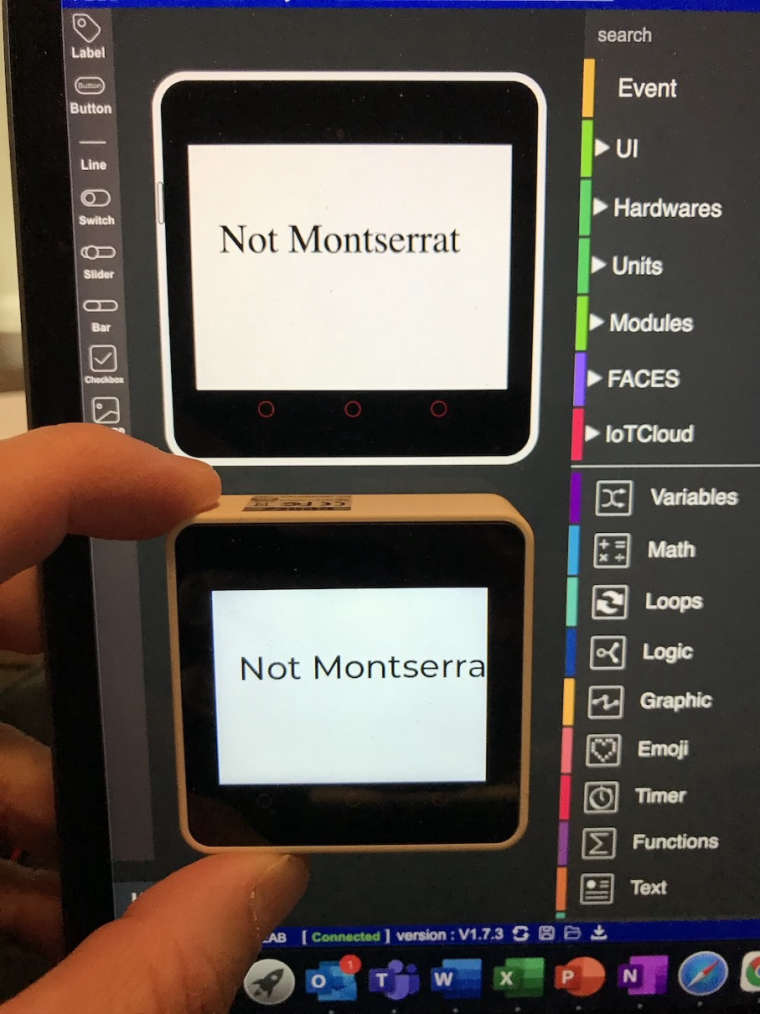
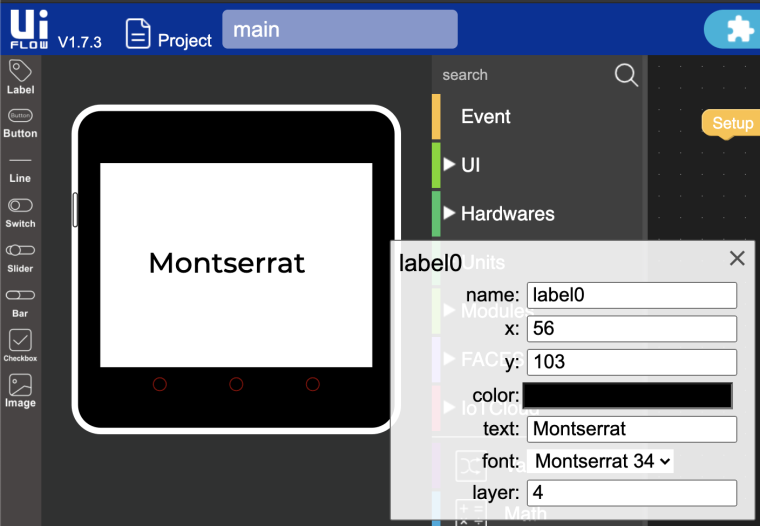
In the uiFlow v1.7.3 UI simulator for the Core2 (only), the font type is not showing correctly. For other hardware versions (Core, Stick, Ink, Paper), we have WYSIWYG (what you see is what you get) fonts in the UI simulator. A label of font type Comic would look different than the same label set to font type DejaVuSans, Ubuntu-C, etc. However, on the Core2 it all looks like the same font (Times font type perhaps?). This makes screen design/layout using the UI simulator harder, as you have to place objects onto the screen, run your program, and the make additional adjustments.
-
-
Thank you for your patience

Hello! It looks like you're interested in this conversation, but you don't have an account yet.
Getting fed up of having to scroll through the same posts each visit? When you register for an account, you'll always come back to exactly where you were before, and choose to be notified of new replies (either via email, or push notification). You'll also be able to save bookmarks and upvote posts to show your appreciation to other community members.
With your input, this post could be even better 💗
Register Login