AtomS3R - Black screen with UIFlow2 firmware (Backlight works, no image)
-
First thanks for the format used when posting!
I am going to admit a lot of first time/elementary mistakes when getting back into the M5Stack environment with my M5Dials (it has been several years). I will admit that it is strange that the DEMO firmware will work but not the actual firmware?
-
do you have any other controllers to verify your configuration?
- is the USB cable OK
- is the USB Port working correctly
-
are you downloading the correct firmware for UIFlow2? (I didn't LOL, I used the firmware for UIFlow1)
-
are you using the correct USB Drive for your Operating System (I had had to try different versions until I found one that worked).
-
try downloading a different version of the firmware for now
It sounds like you discovered what button you had to push to get the AtomS3R into download mode. I also made that mistake.
Could you post back once you discover what is the problem?
Thanks-Brian
What doesn't kill me makes me stronger.
-
-
@10sor have you tried any of the old uiflow2 firmwares from m5Burner list - I mean very old like 2.2 or 2.1 will this give you operational display?
-
@bschwahn The format that I used when posting was created using Chat.M5Stack.com
- I have StickC-Plus2 and it works as expected in UIFlow2.0 with the same cable and the same port.
- The official M5Burner list only has UIFlow2.0 for AtomS3R.
- I have tried WebBurner (without USB connection) for flashing firmware and had the same result: no errors or warnings, but the screen is still black.
- I have tried v2.4.1, v2.4.0, v2.3.1, v2.2.1, and v2.1.4.
I don't want to spend a lot of time looking for a solution anymore, but if I find one, I'll let you know here.
-
@robski Yes. I have tried v2.4.1, v2.4.0, v2.3.1, v2.2.1, and v2.1.4. The result remained the same.
-
@10sor any arduino projects (if tried) with same result - no functional display?
-
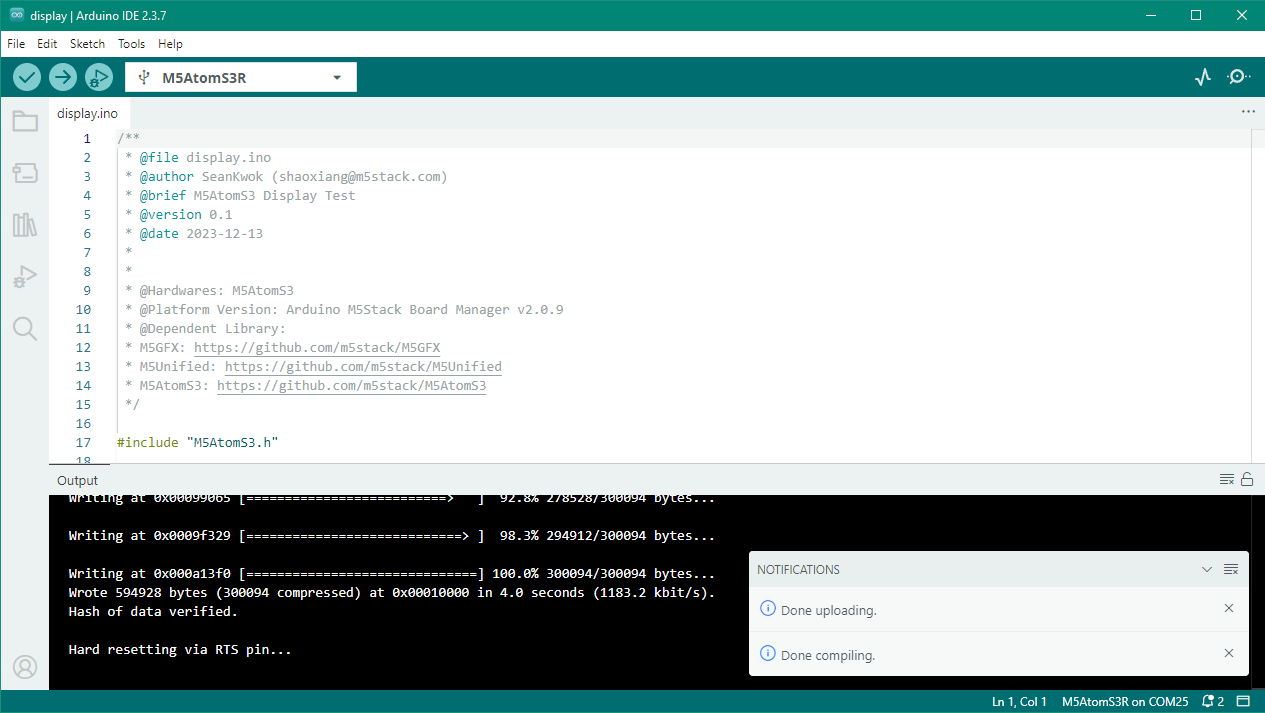
@robski I have tried display example. The result still the same: black screen (backlight works, no image).
-
@10sor wow, and factory demo works fine...
i2c address issue?
library issue? -
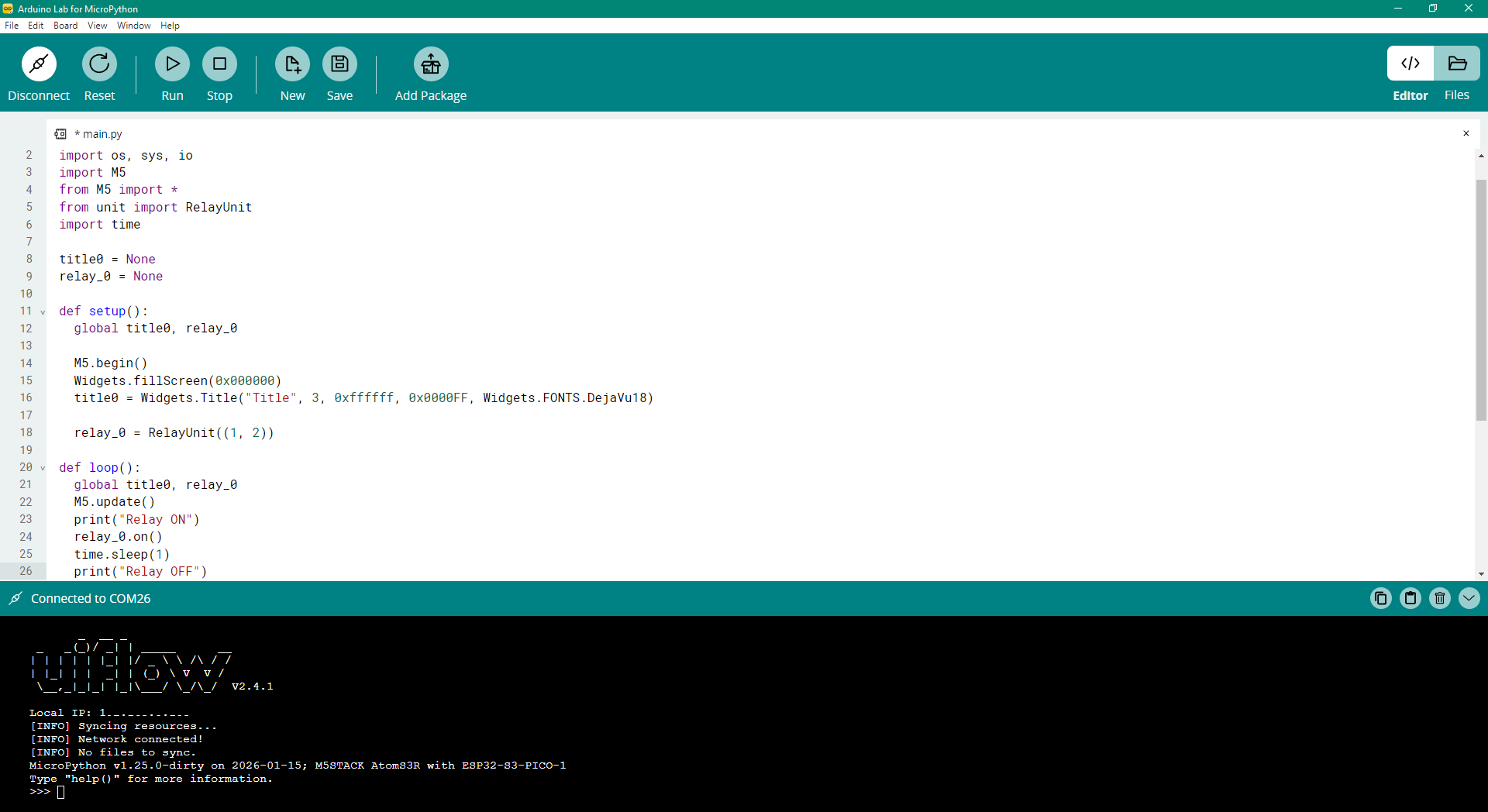
To test other functionality, I connected Unit Relay and ran a test program. It works as expected in UIFlow2.0
BTW I found that Arduino Lab for MicroPython can be used as a simple IDE for programming a device with UIFlow2 firmware.
-
@10sor I do have one of Core Basic controllers which one day after loading project decided to not display a thing, all other bits are ok just nothing on the display since.
-
Found this post when I googled, I got an AtomS3R yesterday and I have the exact same issue with the display.
Pretty much what @10sor said. Backlight is on but nothing else shows on the display. Tried with UIFlow2 and the examples in Arduino IDE. I've reflashed and reset multiple times, always the same result.
Factory demo works without any issues. The Env III sensor also works, I got output from it in UIFlow2 but the screens is black at all times.
-
@10sor
Thanks for the feedback, this is indeed a very strange situation.
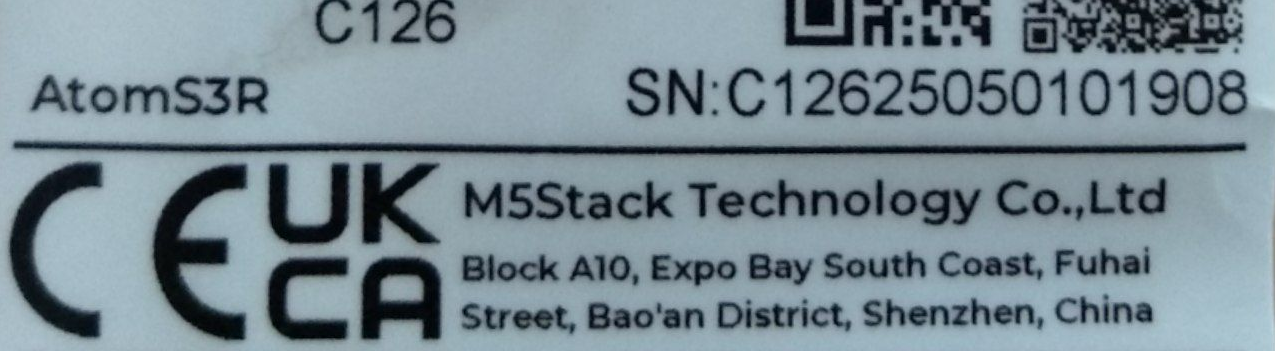
Could you please provide us the SN number on the package? So that we can check if this is a problem related to specific batch. -
@kuriko SN: C12625050101908




Hello! It looks like you're interested in this conversation, but you don't have an account yet.
Getting fed up of having to scroll through the same posts each visit? When you register for an account, you'll always come back to exactly where you were before, and choose to be notified of new replies (either via email, or push notification). You'll also be able to save bookmarks and upvote posts to show your appreciation to other community members.
With your input, this post could be even better 💗
Register Login