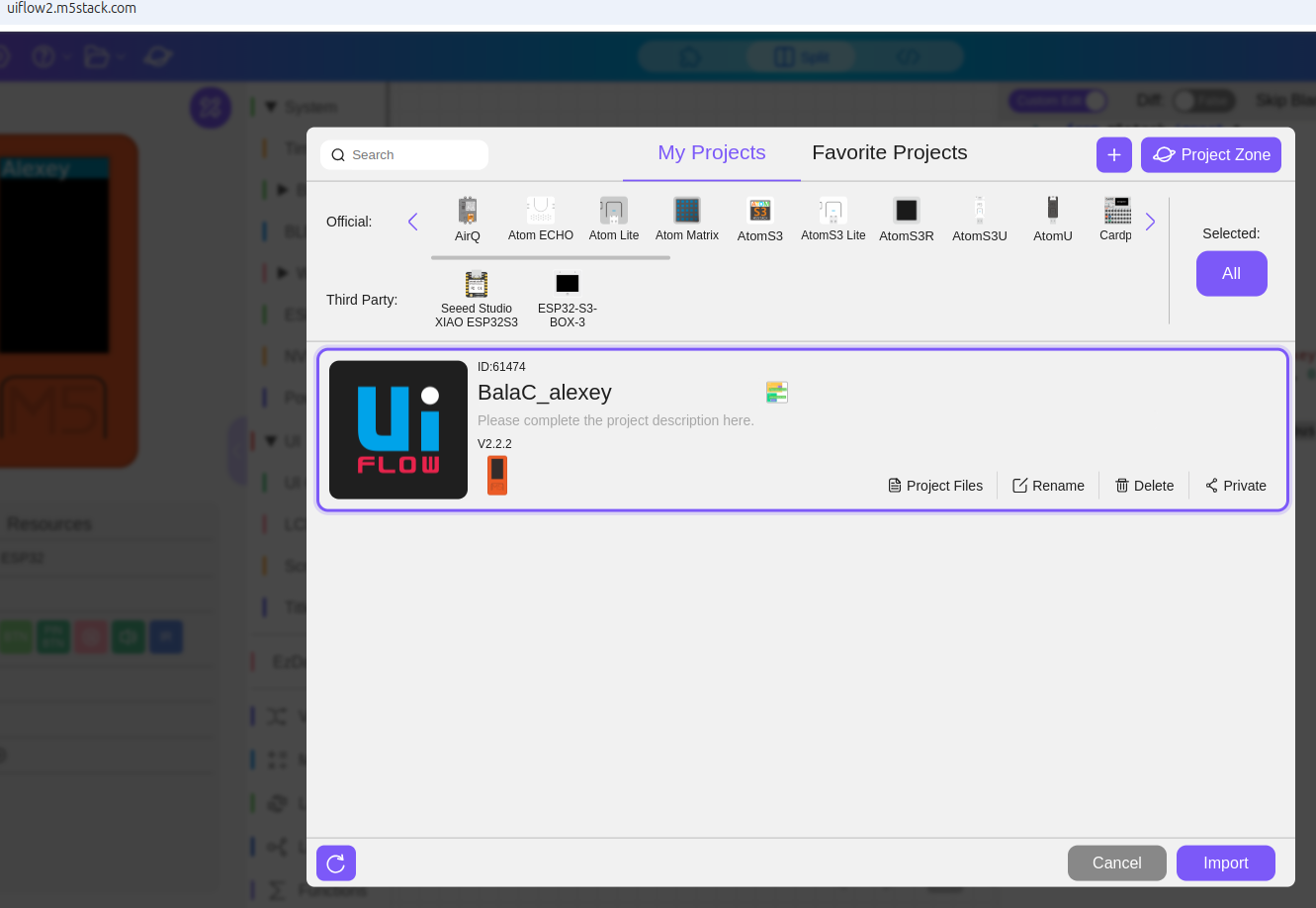
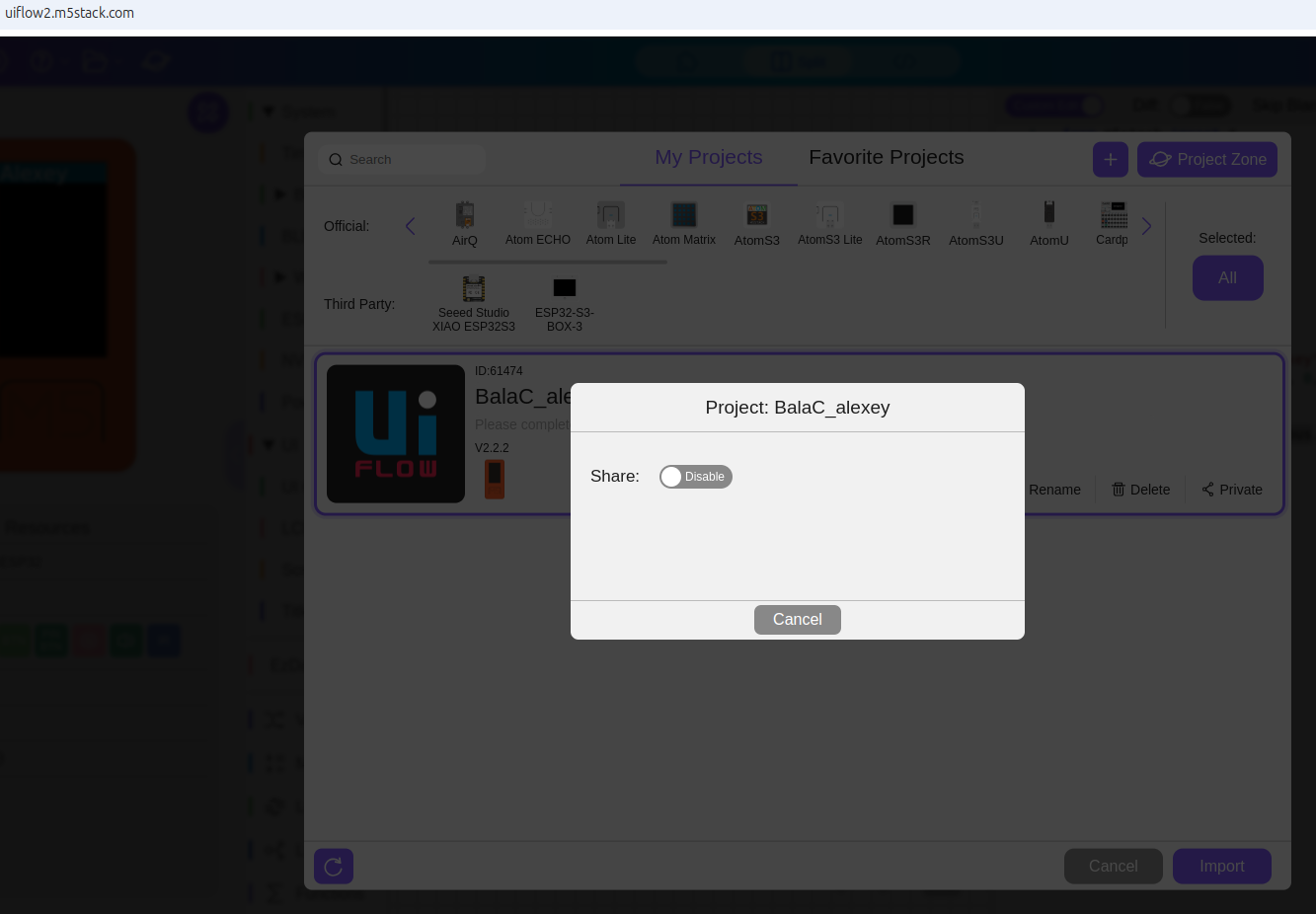
как выложить свой проект на сайт UIFlow 2.0?
-
я хочу выложить свой проект на официальный сайт UIFlow, но не знаю как, помогите пожалуйста
-
-
@kur35k To upload your project to the UIFlow 2.0 website, follow these steps:
- Log in to your UIFlow account.
- Go to the "Projects" section.
- Click on "Create New Project" or select an existing project.
- Upload your files or connect your code repository.
- Follow the prompts to complete the upload and publish your project.
Hello! It looks like you're interested in this conversation, but you don't have an account yet.
Getting fed up of having to scroll through the same posts each visit? When you register for an account, you'll always come back to exactly where you were before, and choose to be notified of new replies (either via email, or push notification). You'll also be able to save bookmarks and upvote posts to show your appreciation to other community members.
With your input, this post could be even better 💗
Register Login